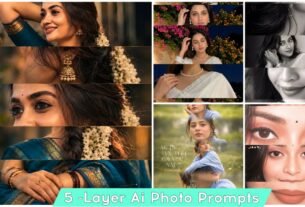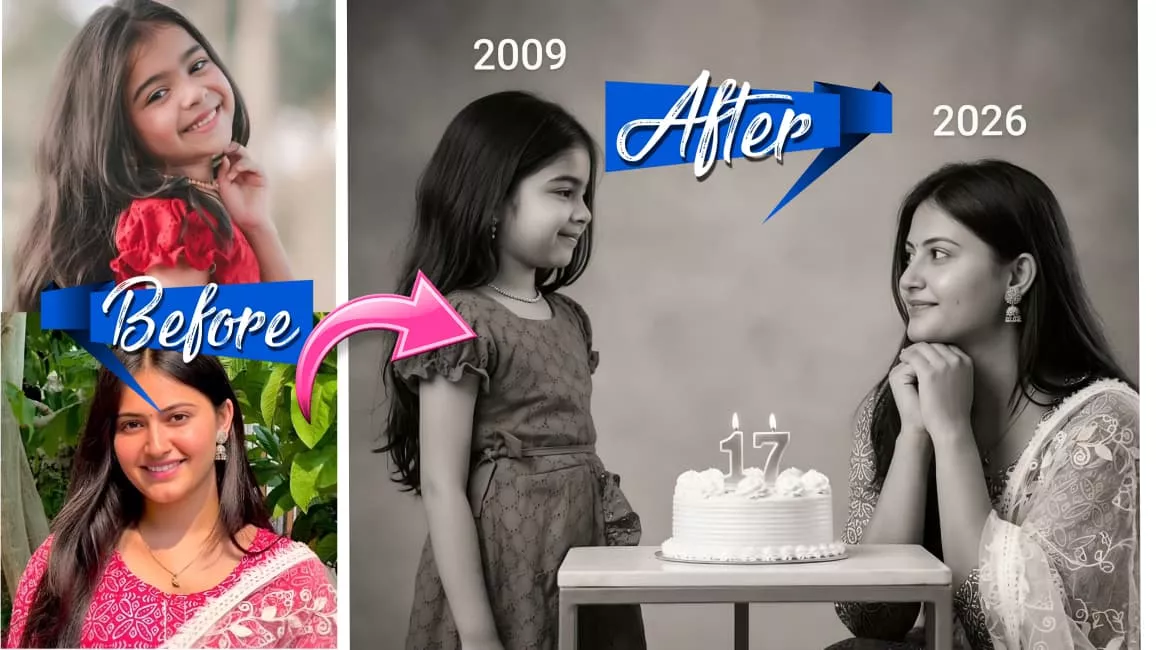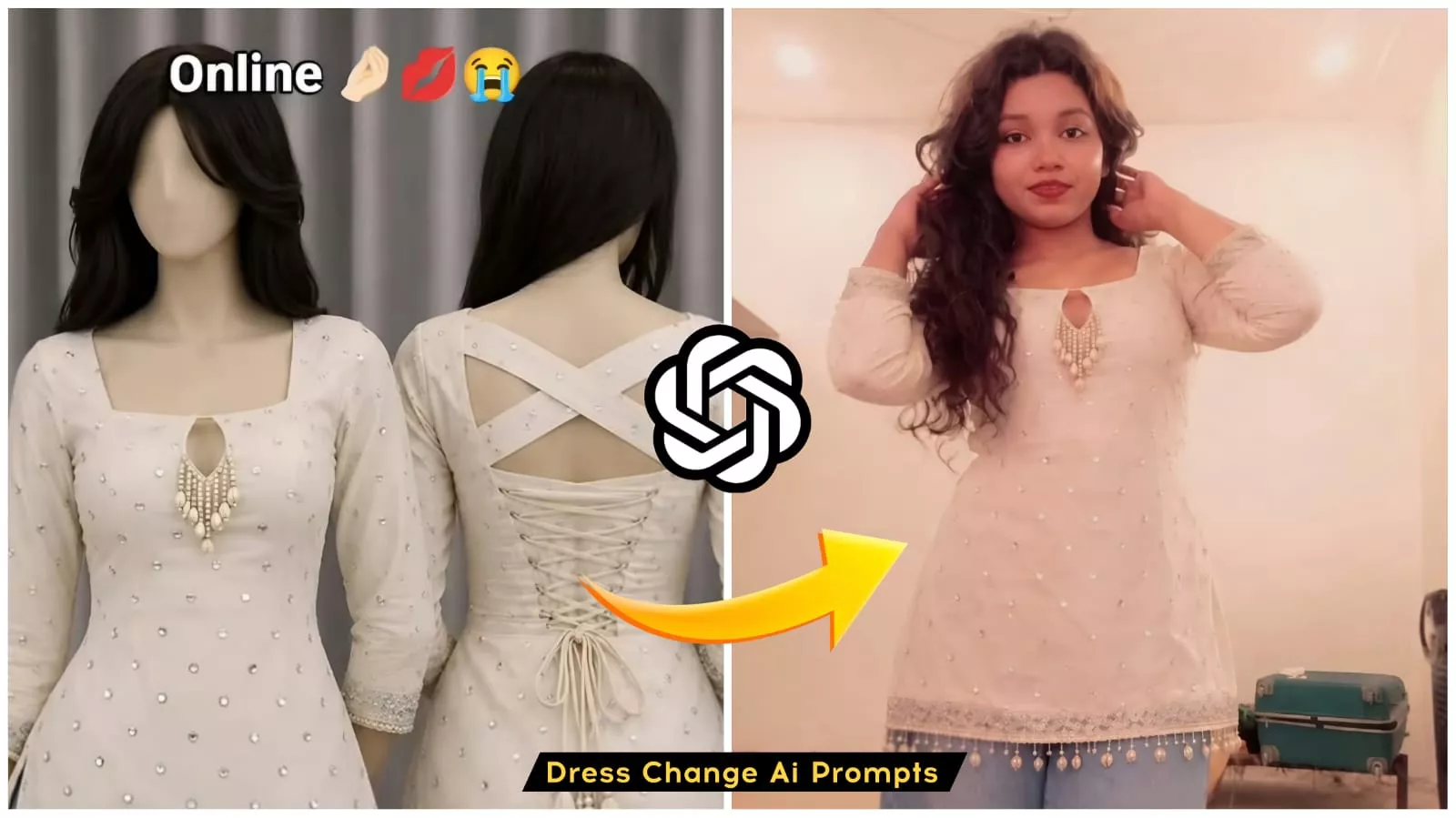
Trending Outfit Change Ai Photo Editing Prompts And Trending Outfits – You are likely all aware of just how popular this trend has become lately—specifically, the “outfit change” trend—as it has gone incredibly viral. You can easily find the necessary outfit templates online; simply copy and paste them into a tool to generate the image, and your outfit changes effortlessly. Creating these outfit-change photos is remarkably simple. The reason this trend has gone so viral is that creating these images requires absolutely no money or resources; you can generate a photo featuring any outfit you desire—completely free of charge—with great ease. To ensure you can successfully create your own, I recommend reading through this entire article carefully; you will only be able to generate the image successfully once you fully understand the process.
Details Of Dress change ai photo
Let me walk you through the details of this photo editing process—what it entails, how it works, and everything you need to know. First off, let’s look at the specifics. Essentially, the process revolves around your favorite outfits. You likely already have screenshots saved of the clothes you admire, perhaps thinking, “I’ll order this someday.” (And even if you don’t have any saved, I’ve provided a selection of outfit photos on my website that you can download and use.) Once you have your chosen outfit image—whether from your own collection or my site—all you have to do is access the interface, upload one of your own photos, and hit “Generate.” Just like that, a stunning image featuring you in that outfit is created with remarkable ease. You get to see yourself wearing the outfit without actually having to purchase it—a feat made entirely possible in this AI era. Now, you too can effortlessly “wear” these outfits, just as everyone else is doing!
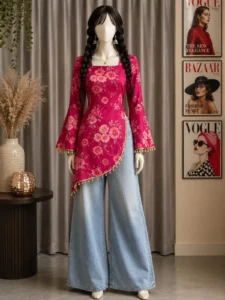
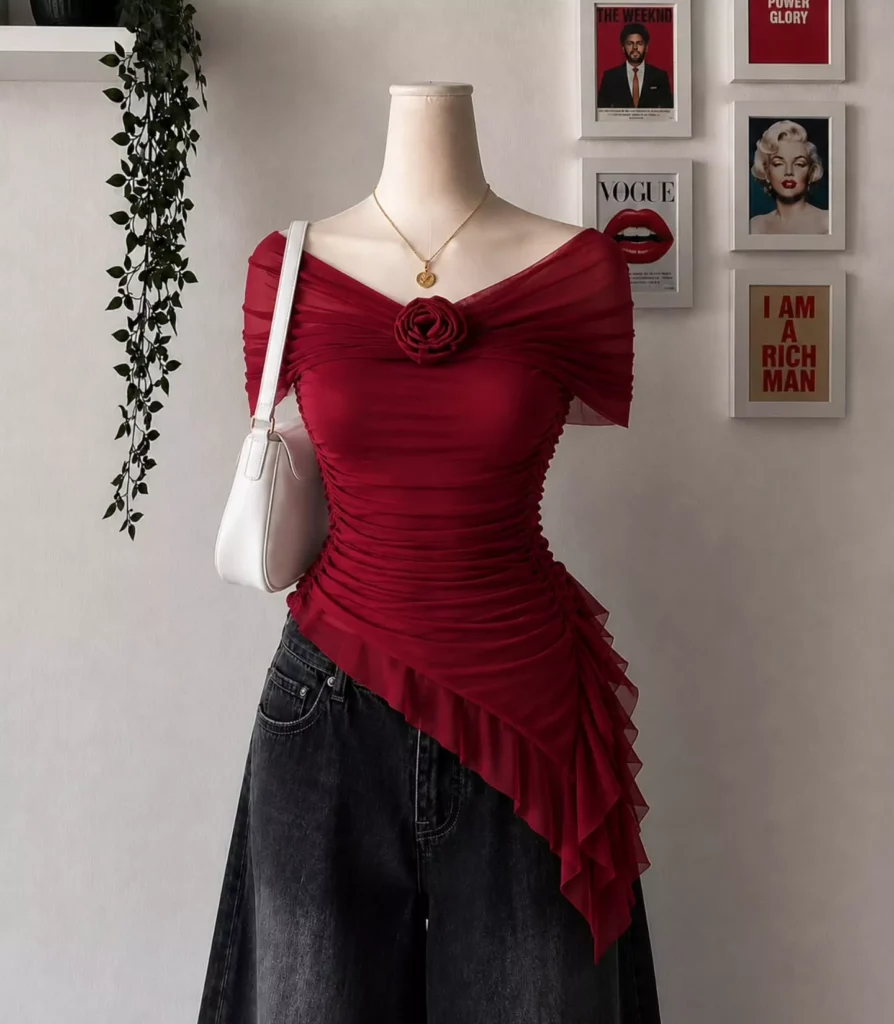
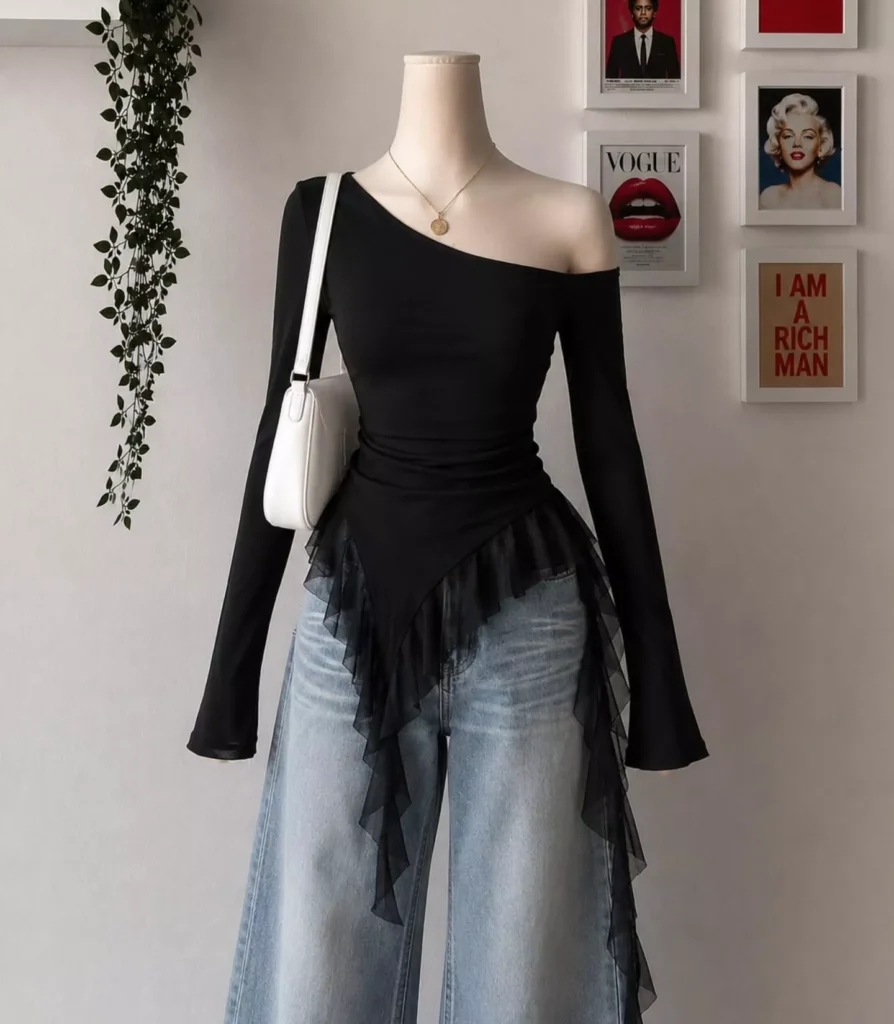
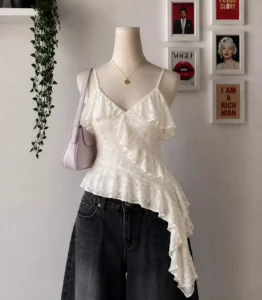
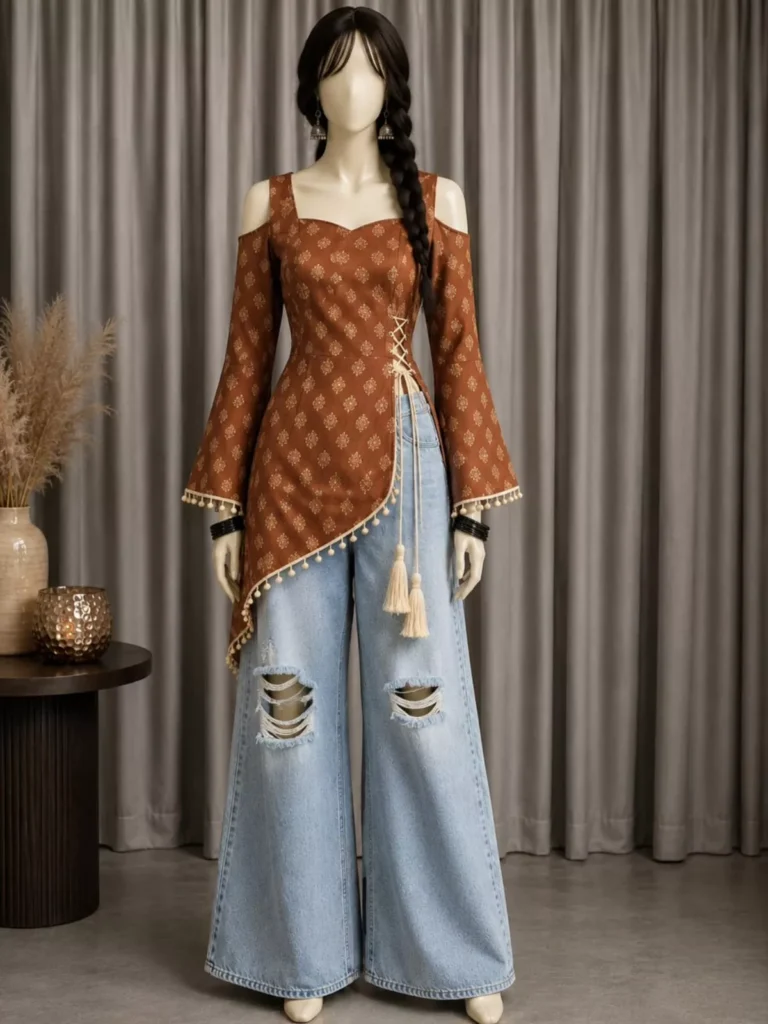
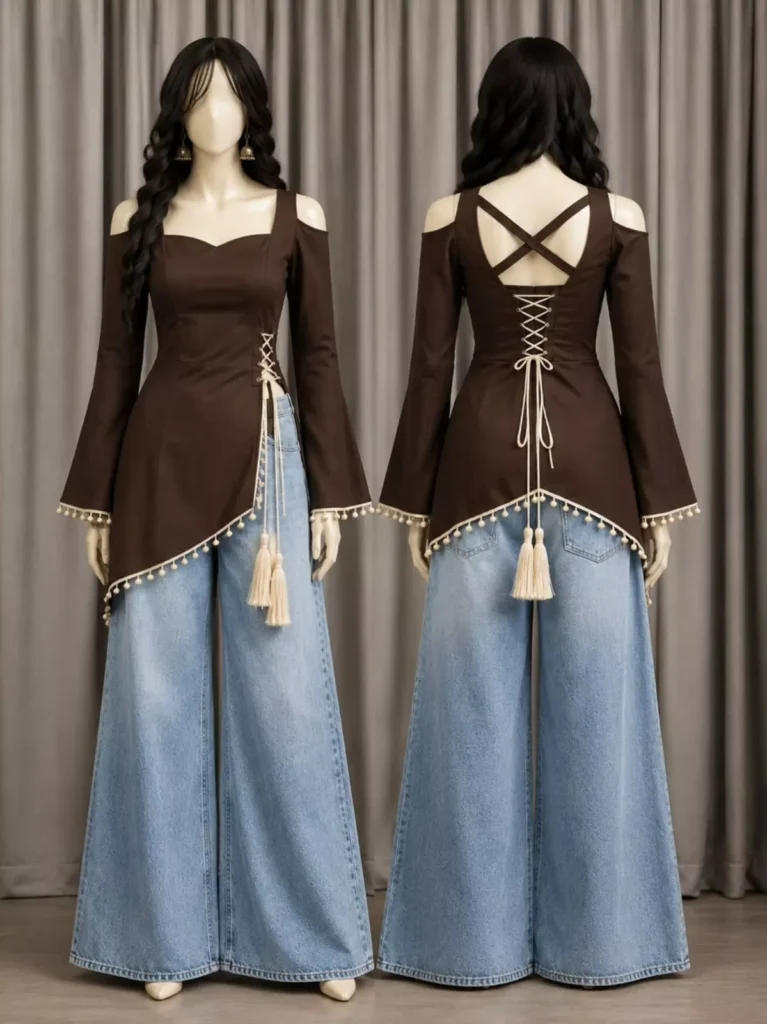
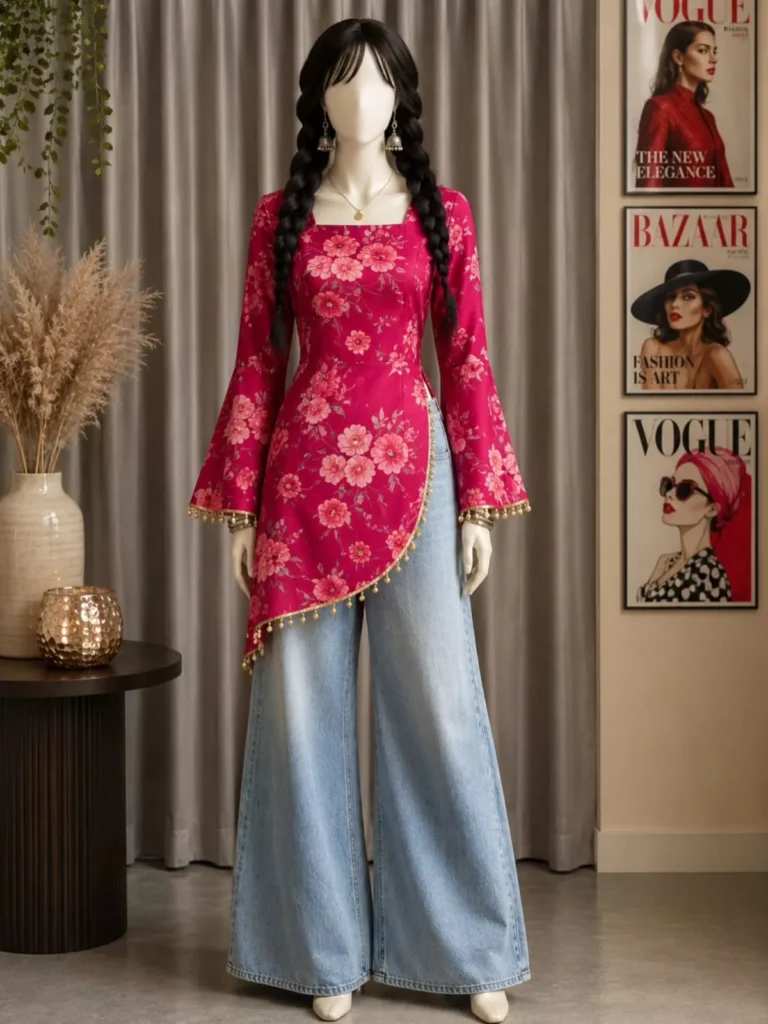
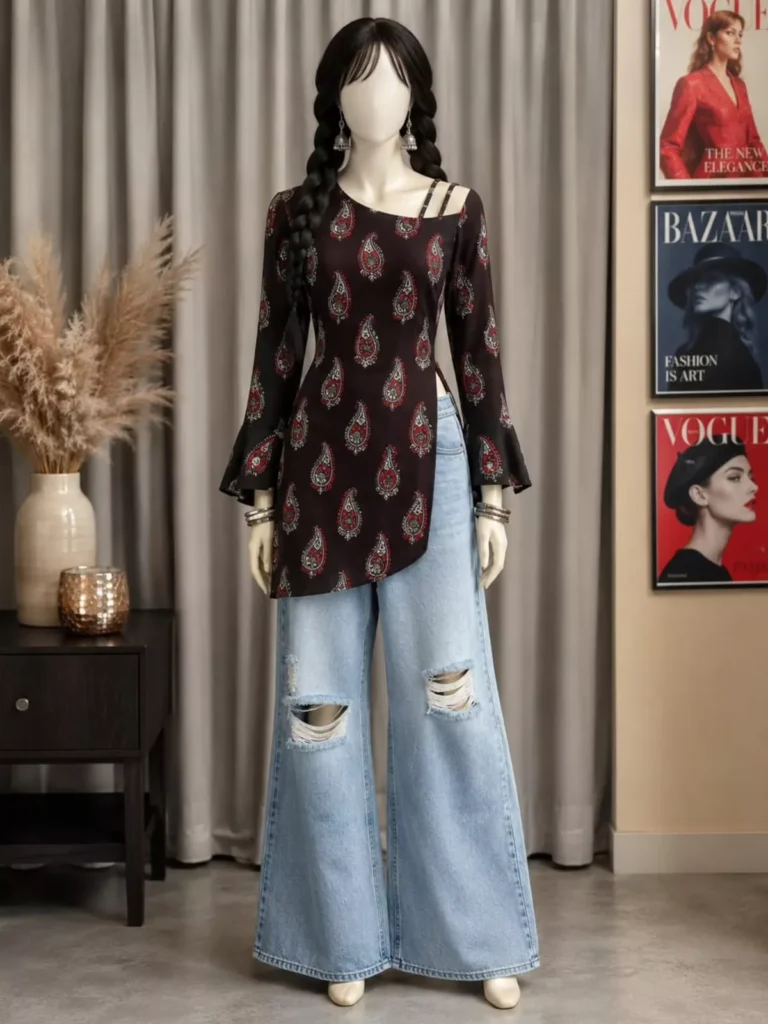
Use the uploaded person photo exactly as the face and body reference. Preserve facial identity, skin tone, hairstyle, body proportions, age appearance, and all unique facial features 100% accurately. Use the uploaded outfit image as the exact clothing reference. Transfer the outfit precisely onto the person, matching the same design, colors, patterns, embroidery, fabric texture, stitching, accessories, fit, folds, and overall styling from the outfit reference image.Create an ultra-realistic Indian fashion photoshoot with premium boutique quality. Ensure natural body fitting and realistic garment draping. Maintain authentic fabric behavior, detailed stitching, realistic shadows, and accurate clothing proportions. DSLR-quality photography, professional studio lighting, clean aesthetic background, cinematic fashion-editorial look, elegant model pose, sharp focus, highly detailed skin texture, luxury fashion catalog style, Instagram boutique model appearance.Keep the outfit exactly matching the uploaded dress reference image without changing its design, color, or details. Preserve the person's face completely unchanged. Photorealistic, 8K ultra-detailed, fashion campaign quality, vertical 9:16 ratio.
Common mistake to avoid
Friends, while creating photos, you likely make certain common mistakes; let me point them out to you. There is one major error—which you can easily rectify—that, once corrected, will allow you to create excellent photos. The very first common mistake is failing to provide a clear reference photo. Whenever you attempt to create an image, if you do not upload a clear source photo, the AI struggles to interpret your image correctly. Consequently, it may substitute your face with someone else’s or generate a completely different face in your place. This often leads you to complain that the AI prompt was ineffective; however, the fault does not lie with us—it lies entirely with you. You must upload a clear photo for your edits to turn out well. The second common mistake is over-editing. When you apply excessive edits to your image, it begins to look completely amateurish and ruins the overall aesthetic of the photo. Therefore, avoid over-editing to ensure that your final image retains a realistic and natural appearance.
How To Creat Photo
And friends, by now you must have surely grasped all of this—after all, you are quite savvy! Now, let me explain exactly how this photo edit is created. So, let’s dive in. To create this specific photo edit, you will primarily need three things: an application, a photo of an outfit, and a prompt. I have already provided both the outfit photos and the necessary prompts on my website. Simply visit the site, download whichever outfit you prefer, and copy the corresponding prompt. The application you’ll need is called ChatGPT—a tool you are likely already familiar with, given its widespread fame for generating images. Open the app, upload the outfit photo along with one of your own photos, paste the prompt, and hit “Generate.” Within a short while, your customized photo will be ready! As I’ve already mentioned, you can create such photos with absolute ease; you can even experiment by adding different outfit photos to generate unique images, allowing you to effortlessly create whatever style of photo you desire.