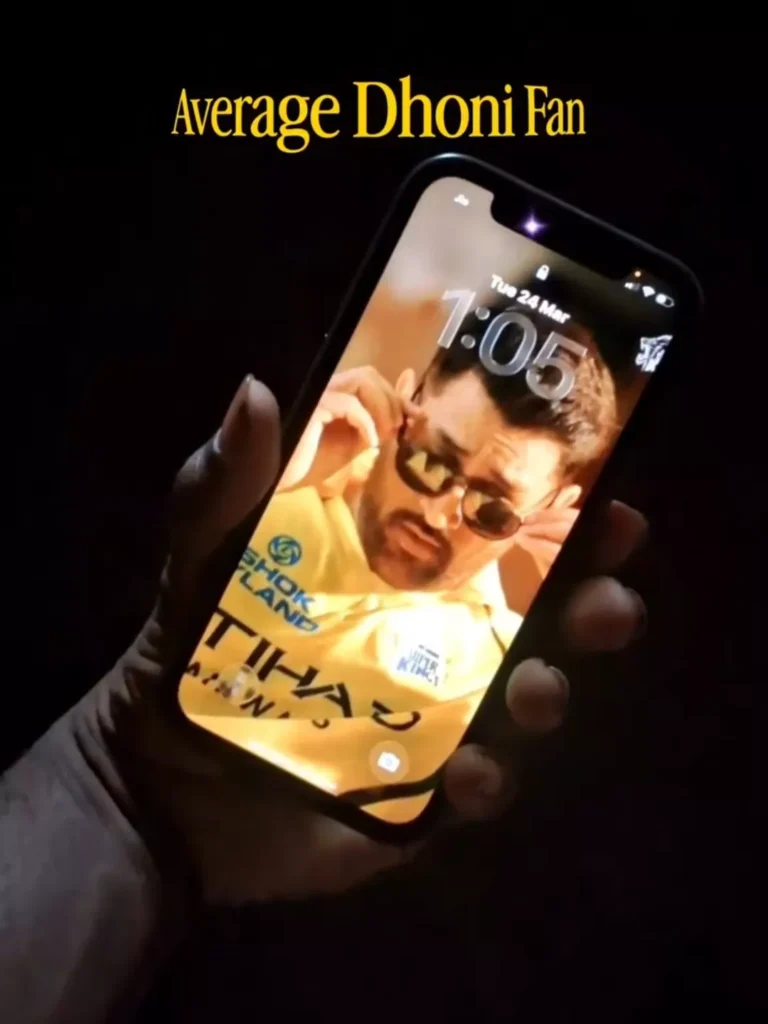
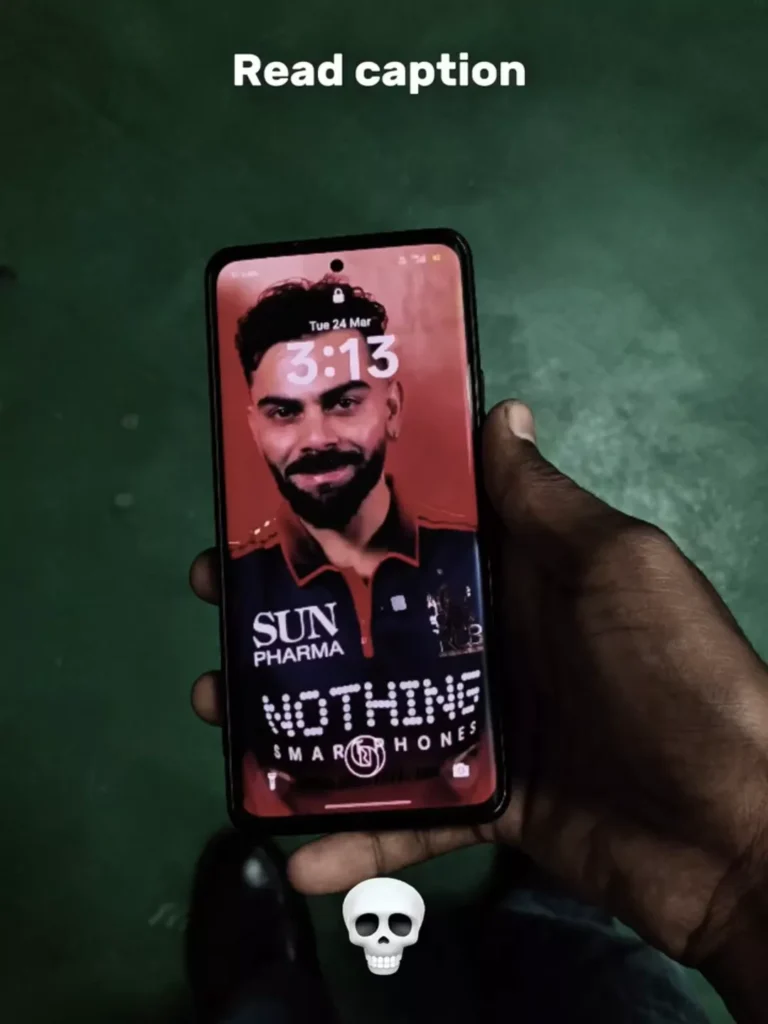
MS DHONI & VIRAT KOHLI Live Wallpaper Edit Toturial – Friends, you have likely come across—and perhaps even wished to set—wallpapers featuring MS Dhoni and Virat Kohli on your phones. These are actually “video wallpapers,” and applying them to your device gives it a very sleek and dynamic look. This particular edit is designed specifically for fans of RCB and CSK, and it has been going viral lately. As you are surely aware, the IPL kicked off today, on the 28th; consequently, fans of both RCB and CSK are eager to create these personalized edits for themselves. In this article, I will guide you through the process of creating them—simply read through the entire post to learn how!
Why This Type Of Editing Viral?
Let’s find out. Why is this going so viral these days? The main reason for its viral popularity is that the IPL has kicked off today, and every fan naturally wants to set up these specific wallpapers—and you likely want to do the same! Creating this is actually quite simple. First, you will need an application; you can find the link for it provided below. You will also need two video clips: one for RCB and one for CSK. I have included links to both the CSK and RCB videos right here within this website post. Once you have obtained these two videos, open the application. It will prompt you to grant certain permissions; after allowing all the necessary permissions, the app will take you directly to your device’s gallery. From there, simply select the video you wish to use and set it as your wallpaper. You can download the provided video clips via the links given below and apply them to set up your own custom wallpaper.
How To Use?
Now, let’s find out how to use it. Using this tool is incredibly simple—extremely easy! All you need to do is install the application via the link provided below and launch it. Once opened, you will be prompted to grant permissions; simply allow them. The app will then take you directly to your gallery, where you can select and add a video. You will be given the option to select a specific duration—such as 2 or 3 seconds—to apply as your wallpaper. Just choose the specific segment you like best, apply it, and you will instantly have a stunning, dynamic video wallpaper set on your device. It really is that easy to use!
Conclusion
Now, if you have any doubts regarding anything I have explained here, please feel free to ask us in the comments section. Also, let us know what you thought of this flashy and vibrant edit! To stay updated on such exciting editing techniques—which I teach on a daily basis—please make sure to visit our website regularly. If you don’t believe me, simply visit my site and see for yourself; I consistently share new editing tips every day. Therefore, keep visiting our website—it is entirely to your benefit, and I gain nothing from your data usage. You can also check out the results yourself; the outcome of all my editing tips is truly spectacular. There is absolutely no chance that you won’t like the editing methods I share, or that the results will turn out to be anything less than excellent. Everyone consistently gives positive feedback on my editing tutorials. So, thank you for your response, and thank you once again for visiting our website!
