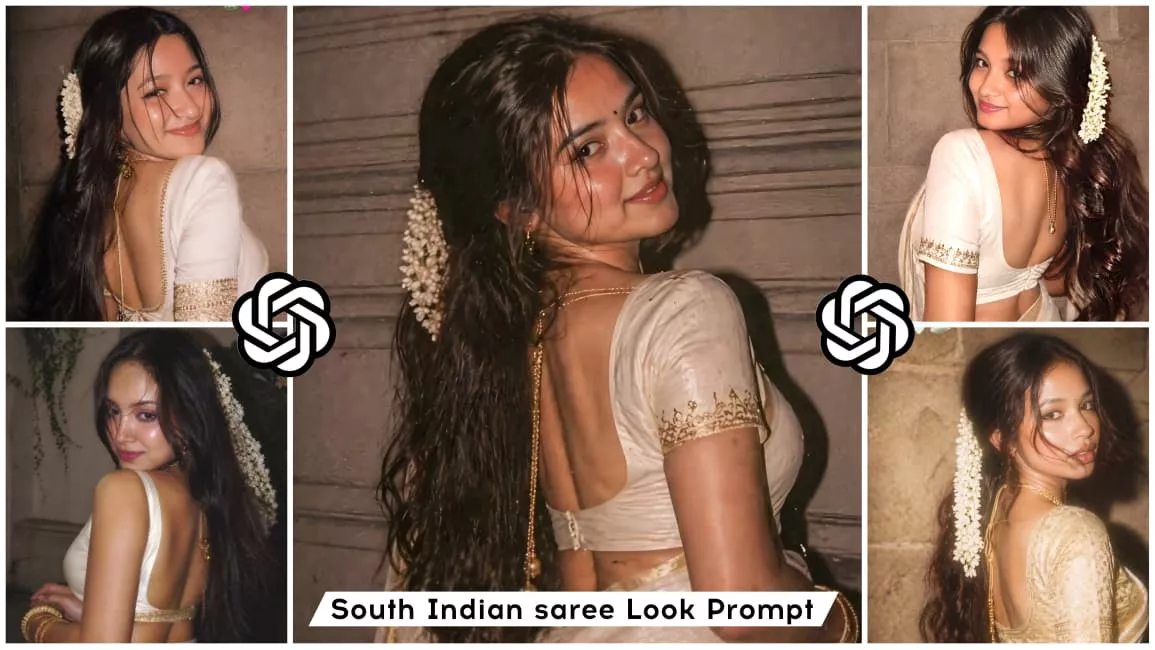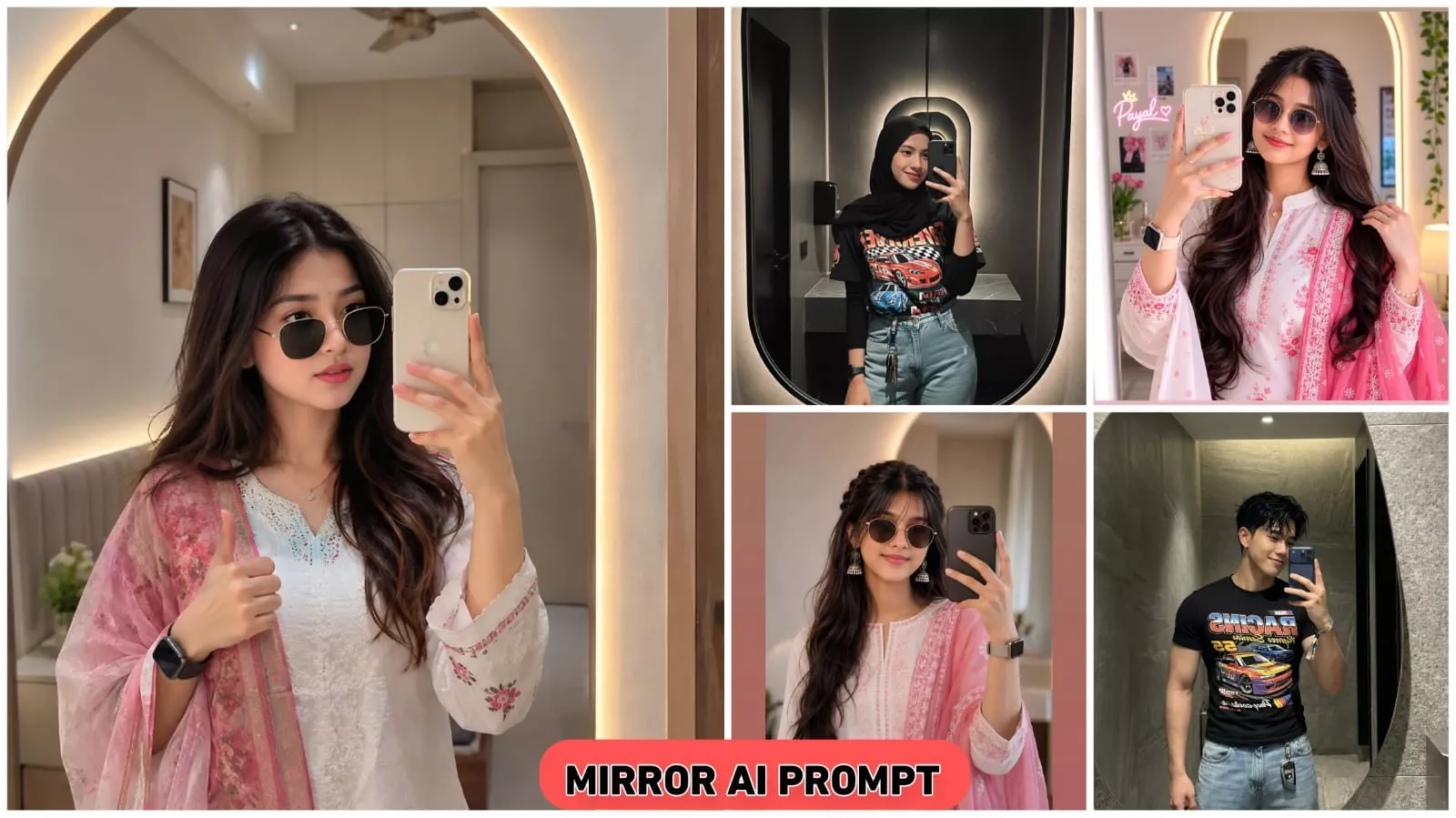
Ai Mirror Selfie Prompts Creat Viral Mirror Selfie Photos For Free – So, what is this trend where everyone is creating these mirror-style photos? If you have a mirror at home, you can create a photo that looks like it was taken in a five-star hotel. Usually, we rarely get the chance to create such mirror photos—often because they are associated with big celebrities who have the budget for it, whereas most of us don’t. That’s where prompts come in; we can use them to create these images. In fact, most of the photos you see like this nowadays are AI-generated, simply because most people can’t afford to visit a five-star hotel just for a photoshoot. While celebrities might create these photos through actual shoots, the rest of us can achieve the same look through AI generation.
Details Of Mirror Ai Photo Prompt
Let me give you the details on how this photo editing works. You know how the mirrors we have at home—whether small or slightly larger—often don’t yield great results when you take a photo in them? Well, with this method, you can take a regular photo and superimpose it onto the product image I’ve provided on my website. By generating this “front-facing” view, your photo ends up looking like a high-end shot taken in a five-star hotel mirror—just like the ones celebrities create and share on their Stories or posts. This style of editing has an aesthetic appeal that everyone loves, yet most people don’t know how to create it. I wanted to share this method with you because many people simply don’t have the budget to get such photos taken professionally. This way, you can fulfill your wish and get that perfect photo without spending a single penny.
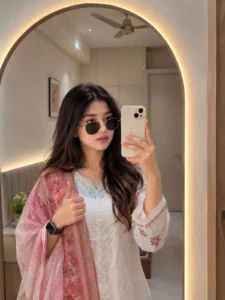
Analyze both uploaded images automatically: IMAGE 1

is the source selfie/photo and IMAGE 2 is the destination empty mirror. Replace the reflection inside the destination mirror with the person from IMAGE 1 while maintaining strict identity preservation. Preserve the person's face 100% exactly as in the source image, including facial structure, eyes, nose, lips, jawline, skin texture, hairstyle, age, body shape, expression, ethnicity, and overall identity. Do not apply beautification, face enhancement, Al face recreation, face swapping, or any facial modifications, and maintain the exact real-person likeness. Automatically detect the shape, size, angle, curvature, perspective, and position of the destination mirror, then place the person naturally inside the mirror reflection as if they were originally standing in front of it. If necessary, intelligently adjust body angle, camera perspective, crop, framing, distance, or pose alignment only to fit the mirror realistically, without distorting the face or body. The process should work with any selfie, portrait, mirror selfie, standing pose, sitting pose, indoor photo, outdoor photo, or full-body image, and with any mirror shape including arched, round, oval, irregular, designer, wall-mounted, floor, or luxury mirrors. Automatically scale and reposition the subject to fit the mirror naturally. Match the reflection lighting to the destination environment by adapting brightness, shadows, highlights, contrast, reflections, color temperature, ambient light, and exposure while blending the subject seamlessly into the scene and preserving realism. Create authentic mirror reflection behavior with natural depth, perspective, mirror distortion, edge reflections, and realistic optical characteristics so the reflection appears physically accurate and naturally captured by a real camera. Enhance the source image quality to ultra-clean 4K by removing blur, compression artifacts, noise, low-resolution softness, and pixelation while maintaining realistic skin texture and clothing details. Produce DSLR-quality realism with professional photography standards. The final output should be a photorealistic 4K ultra-HD image in which the person from IMAGE 1 appears naturally reflected inside the mirror fra IMAGE 2, with perfect identity preservation, realistic cthefrerevironmentiratched lighting, seamless blending, and absolutely no Al-generated face changes.
Pro Tips To Creat Photo Editing
So, friends, I’ve shared a lot with you, but now I want to give you some important tips—or rather, key instructions. If you follow these guidelines while editing your photos, the results will be so spectacular that you’ll hardly believe it. Without wasting any time, let me outline these important points: first, make sure to use a clear image; second, provide a detailed prompt; and third, if the result isn’t quite right, you can re-upload that unsatisfactory image to ChatGPT and explain exactly what you want instead—it will then generate a much better version for you. Finally, if your image doesn’t come out in HD, you could use a separate app to upscale it, but if you’d rather not switch apps, you can simply ask the current tool to convert the photo to HD, and it will do it for you.
How To Creat Photo
Now, I’ve covered 90% of the picture. The remaining 10% is how you can do this photo editing without much impact on your results and without much effort. And if you do, it’s a very strong result, so you can easily accept it and you should like it. To do this, first you need to open an application called ChatAGPT. Open it and paste the prompt, which I’ve provided on my website. From there, copy and paste it and upload a mirror photo of yourself. Add any kind of mirror photo. It will enhance your mirror photo in HD quality, transforming it into a luxurious mirror photo based on the prompt. It will also have mirrors of celebrities, like you’re on a trip, and everyone will know you went on a trip because you’re traveling. Most people travel during summer vacation. Therefore, everyone will think you went on a trip, and this photo editing will help.