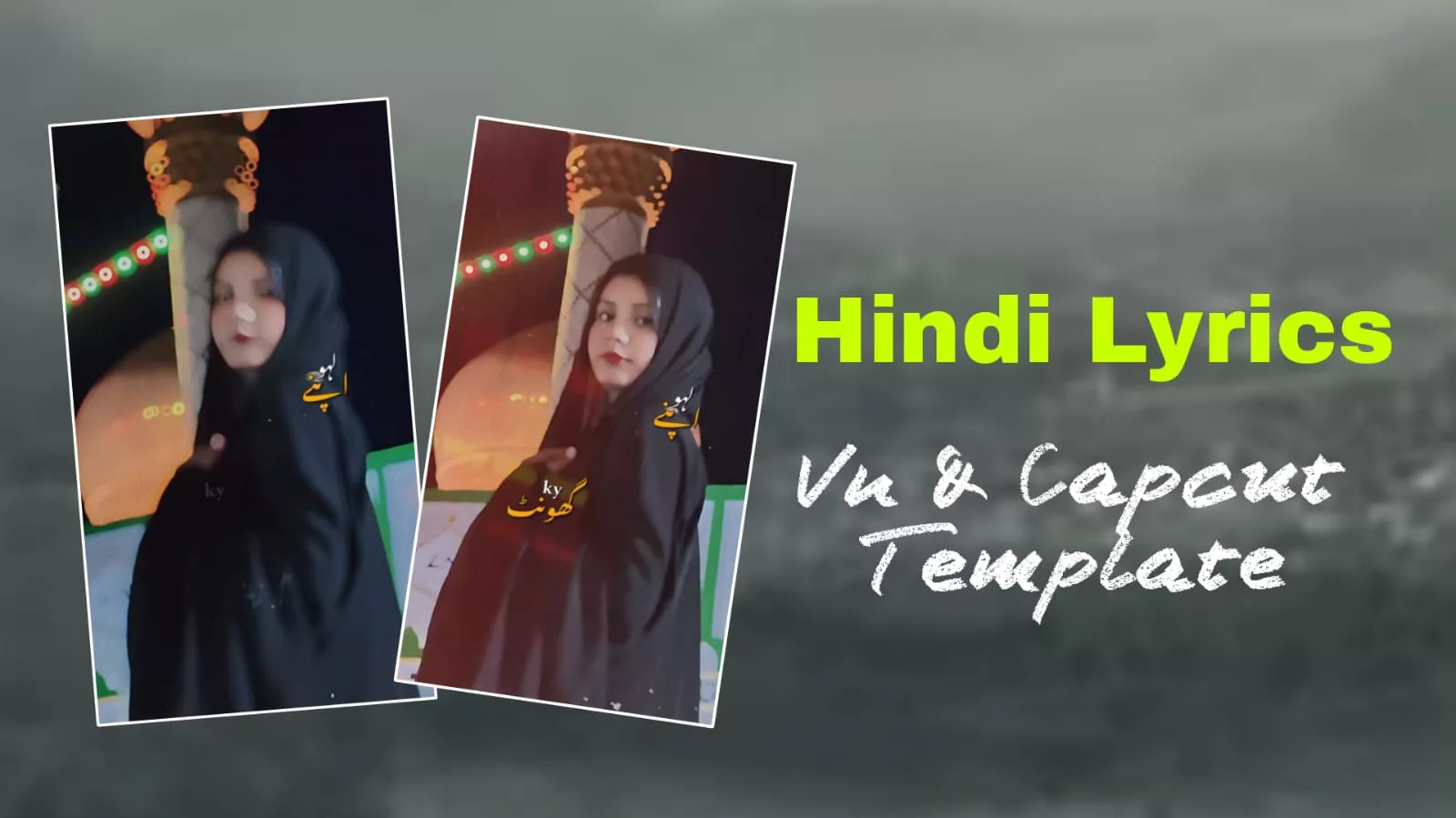
Hindi Song Lyrics Vn & Capcut Template – Friends, there is a trend currently going viral on Instagram known as the “Hindi Lyrics Edit.” It is trending so heavily because it features an emotional yet cinematic editing style. You’ve likely noticed that emotional content often garners higher reach; it connects directly with your feelings, evoking memories of similar experiences—whether past or present—and making you emotional. This emotional resonance is a key factor in the content going viral. Additionally, the built-in cinematic editing style further boosts its reach. This “lyrics edit” template trend is extremely popular right now. Today, I’m going to show you how to create one yourself—whether you choose to use the VN app or a CapCut template.
VN & CapCut Templates Explained
Let’s explain the CapCut templates. First, regarding these templates: they allow you to easily create videos using a specific code, offering a form of manual yet accessible creative editing. CapCut is readily available on the Play Store in India. It offers professional-level controls, enabling you to create impressive, high-quality edits. You get access to ready-made templates; you simply click on a template, select your clips, and generate the video. You can even use viral templates and effects without much effort—you just need to connect to a VPN, click the template link to open it in CapCut, and an intro video will play. You’ll see a “Use Template” button at the bottom; clicking it allows you to insert your clips and create the video. In contrast, with the VN Editor, the process starts by taking a screenshot of the provided code. Then, you open the VN Editor app and tap the scanner icon (easily found in the corner). You select the code from the screenshot you took earlier. A preview video will play, and you’ll see a “Use Template” button at the bottom; just like with CapCut, you simply click that button, add your clips, and create your video.
Types of Hindi Lyrics Video Edits
The Hindi lyric video editing I do comes straight from the heart. Let me explain the different types and what they look like. First is the “Black Screen Cinematic Edit”; here, the lyrics appear on a black screen before the actual video starts, playing for a short while before transitioning to your video. Next is “Aesthetic Lyric Editing,” where the lyrics are overlaid on the video itself, synchronized with the song; this style is currently very trendy. These two styles—black screen and aesthetic—are extremely popular right now. Third is “Glow Lyric Editing,” which features a glow effect behind the lyrics. Fourth is the “Blur Beat Edit,” where a blur effect is applied to the clips whenever the beat drops, making the video look more aesthetic. Fifth is the “Status-Style Reel Edit”; you are likely familiar with this one, as it involves the kind of lyric overlays seen in social media status updates. Finally, there is “Cinematic Hindi Lyric Editing,” which you can easily create by taking screenshots of quotes or using an app like CapCut. These are the various types of Hindi lyric editing; it is good to be aware of them, even though knowing them isn’t strictly mandatory—I’m sharing this just so you have the information.


Hindi Song That Work Best For Editing
Now, let me tell you which Hindi songs work best for this type of editing. First on the list are sad songs; lyric-based edits work exceptionally well with them because the lyrics align perfectly with the mood, creating a visually attractive look that truly resonates with the heart. These edits also match seamlessly with romantic songs, resulting in an aesthetic and captivating appeal that makes you want to create something similar yourself. Both these genres—sad and romantic songs—are currently trending heavily; videos featuring romantic songs often go viral, and many people love creating content with them. However, since many don’t know how to create these edits, they often feel disappointed about not being able to make them. That’s why I decided to teach you how to create them easily. Third on the list are ‘attitude’ songs; this editing style matches them perfectly, creating a very attractive result. Finally, the fourth category includes trending Bollywood songs, which also work incredibly well with this style. These are the types of songs where this editing technique fits perfectly.
How to use Capcut & Vn Template With Hindi Song Lyrics
Now, let’s look at how to create this video. I’ve already explained most of the process, and I hope you’ve understood it. To create it easily, first, you need to connect to a VPN. A VPN allows you to connect to the internet via a server in another country, which enables CapCut to work. Once connected, visit our website and look for the “Check Template” button; clicking it will take you to a preview page. Below that, you’ll find a “Use Template” button. Clicking this will open your gallery, where you should select your clips. Make sure to choose clips that are about 5–6 seconds or 2–3 seconds long to ensure the final edit looks fantastic. After selecting them, click the “Next” button—you’ll find it in the corner near where your clips are displayed. Your video will then begin processing; just wait a short while, and once it’s ready, you can easily export it using the export button.